



Note: Before you begin, please refer to the Warning given at the beginning Chapter 16. If one disc requires replacement, replace both discs to ensure equal and effective braking. A new rear wheel hub nut will be required for installation.
Inspection
1. Block the front wheels, select reverse (or "P") and release the handbrake. Jack up the rear of the vehicle and support it on axle stands. Remove the corresponding rear wheel.
2. Inspect the disk, see Chapter 11.
Removal
3. Remove the brake pads (see Chapter 16).
4. Remove the two caliper bracket mounting bolts. Remove the caliper bracket from the caliper.
5. Using a hammer and a large flat-head screwdriver, carefully pry the cap out of the center of the brake disc (see illustration).
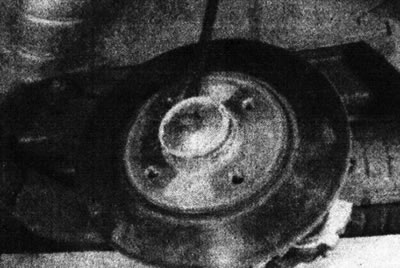
18.5. Press the hub cap out of the rear brake disc.
6. Using a socket and a long rod, loosen and remove the rear wheel hub nut and remove the thrust washer. Discard the hub nut - it needs to be replaced.
7. Remove the brake disc and hub bearing assembly from the steering knuckle. If this cannot be done manually, the hub bearing is too tight. In this case, tap the periphery of the disc with a mallet or use a universal puller, securing it to the disc with wheel bolts. Remove the spacer from the rear of the disc, making note of its correct location.
Installation
8. Before installing the disc, lubricate the steering knuckle with transmission oil. Be careful not to contaminate the rubbing surfaces with oil. If a new disc is installed, remove the protective coating from it with a suitable solvent.
9. Install the spacer on the back side of the disc, with the more protruding side towards the hub bearing. Install the disc onto the steering knuckle and tap it into position using a mallet (see illustrations).
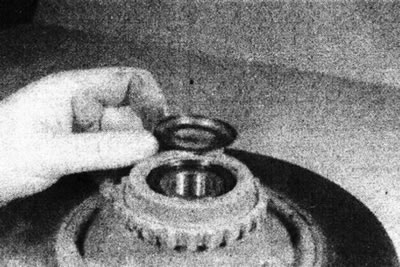
18.9a. Place the spacer shim on the brake disc...
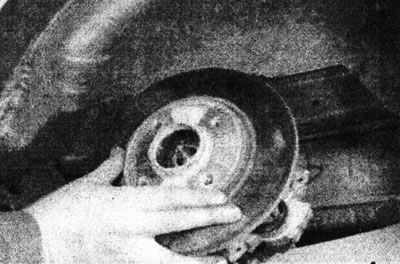
18.9b.... and install the disc on the steering knuckle.
10. Install the thrust washer and then the new hub nut and tighten it to the specified tightening torque Specifications (see illustration).
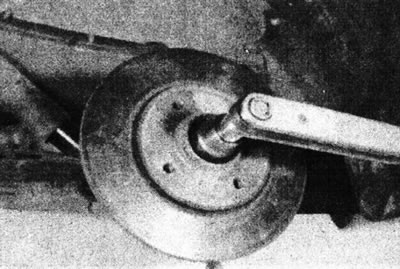
Place the cap in its working position in the center of the disc.
11. Apply a few drops of locking compound to the threads of the caliper bracket mounting bolts. Install the bracket and screw in the bolts. Tighten the bolts to the specified tightening torque Specifications (see illustrations).
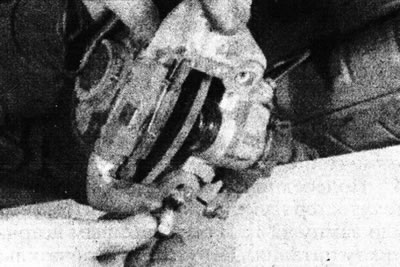
18.11a. Apply locking compound to the mounting bolts, then install the caliper bracket...
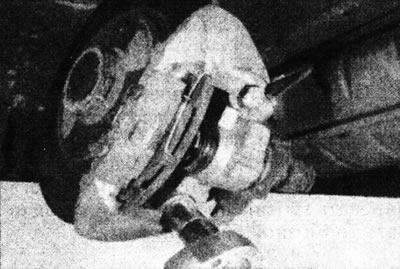
18.11b.... and tighten the bolts.
12. Install the brake pads (see Chapter 16).
13. Check the adjustment of the handbrake cable (see Section 1).
14. Install the wheels and lower the car to the ground. Tighten the wheel bolts to the specified tightening torque Specifications.